
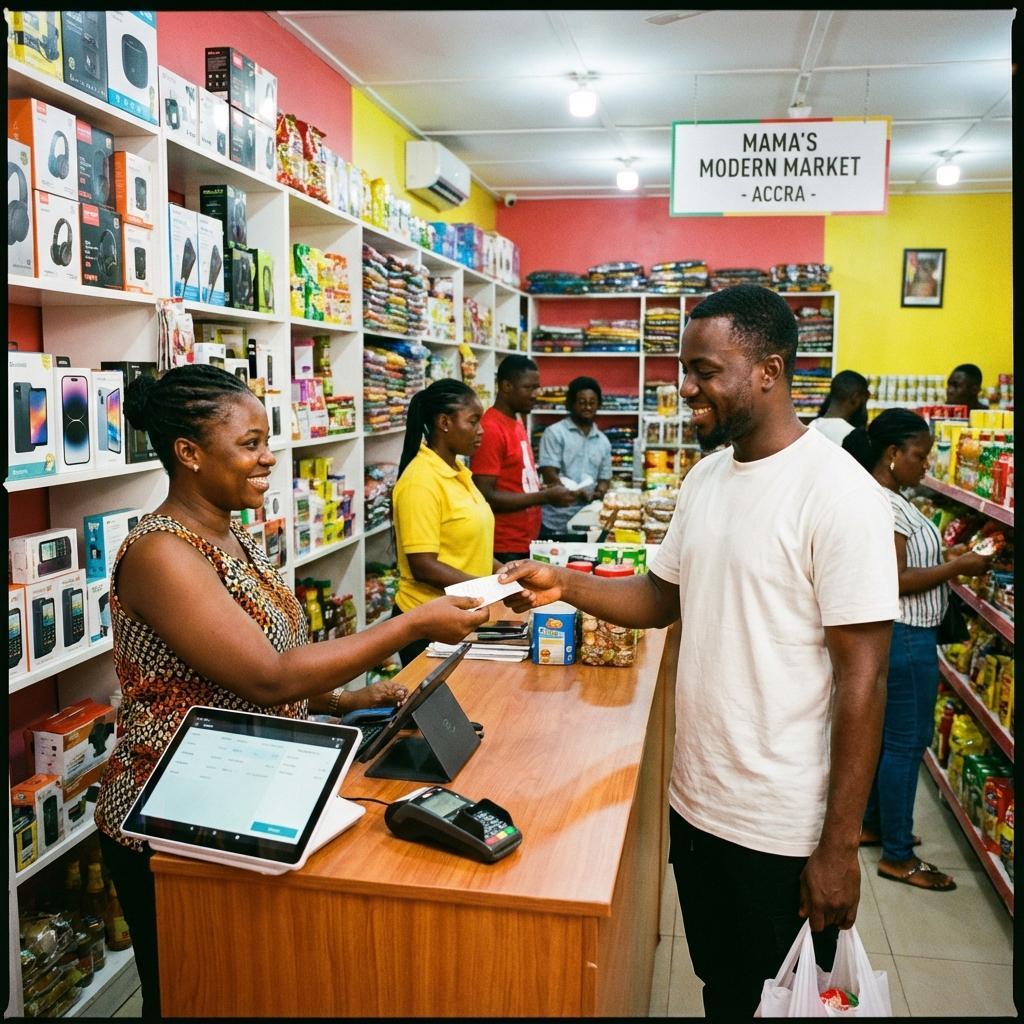
What a POS system does
A point-of-sale system supports the transaction between a retailer and a customer. Depending on the product, it may record items sold, calculate a total, process available payment methods, issue a receipt and update sales records.
For a small operation with a straightforward catalogue and limited locations, those transaction capabilities may cover the immediate need. As the business grows, questions about stock, purchasing, promotions and online channels may become more important.
What an RMS can add
A retail management system is generally intended to coordinate a wider set of retail workflows. It may connect point-of-sale activity with inventory, supplier purchasing, product records, multiple locations or sales channels. The exact scope varies by vendor, edition and configuration.
Many products combine POS and retail-management features, so the labels alone are not enough to compare solutions. Check the workflow each feature supports, which data is shared and whether the system handles the business's real operating conditions.
Compare the workflows you need
Write down how a product moves from supplier to shelf to sale and how returns, stock adjustments and reporting are handled. Then check which steps the current tools support, which are manual and which create the most operational risk or delay.
- Choose a POS-first tool when transaction handling is the main gap.
- Evaluate broader RMS capabilities when stock and retail operations need coordination.
- Ask how the product handles offline work, permissions and data exports.
- Confirm integration, support and total operating requirements before committing.
Plan for fit, not terminology
A system can be described as a POS, RMS or both. What matters is whether it supports the required workflows, can exchange information with other tools and is practical for staff to use. A short demonstration based on realistic tasks is more useful than a feature checklist alone.
Document assumptions and confirm them with the vendor or implementation partner. Retail processes differ, and software features can change between products and plans.



Comments
Comments are not enabled yet. When available, only moderated comments will be published.
Join the conversation
Your details would be used to review a comment and will not be displayed publicly.